The demand for an efficient AI photo editor has increased as creators and businesses look for faster ways to produce high-quality visuals without relying on traditional manual editing workflows. From automated retouching to text-prompt-based image transformation, AI-driven tools are now widely used across e-commerce, advertising, and social media content creation.
Modern AI editing platforms are no longer limited to simple enhancements. They now support batch processing, style consistency, and generative transformations that significantly reduce production time. As a result, different tools have emerged to serve different user needs, ranging from professional-grade editing to simplified drag-and-drop solutions. The following list highlights five of the most commonly used AI photo editor tools today.
Pollo AI Photo Editor
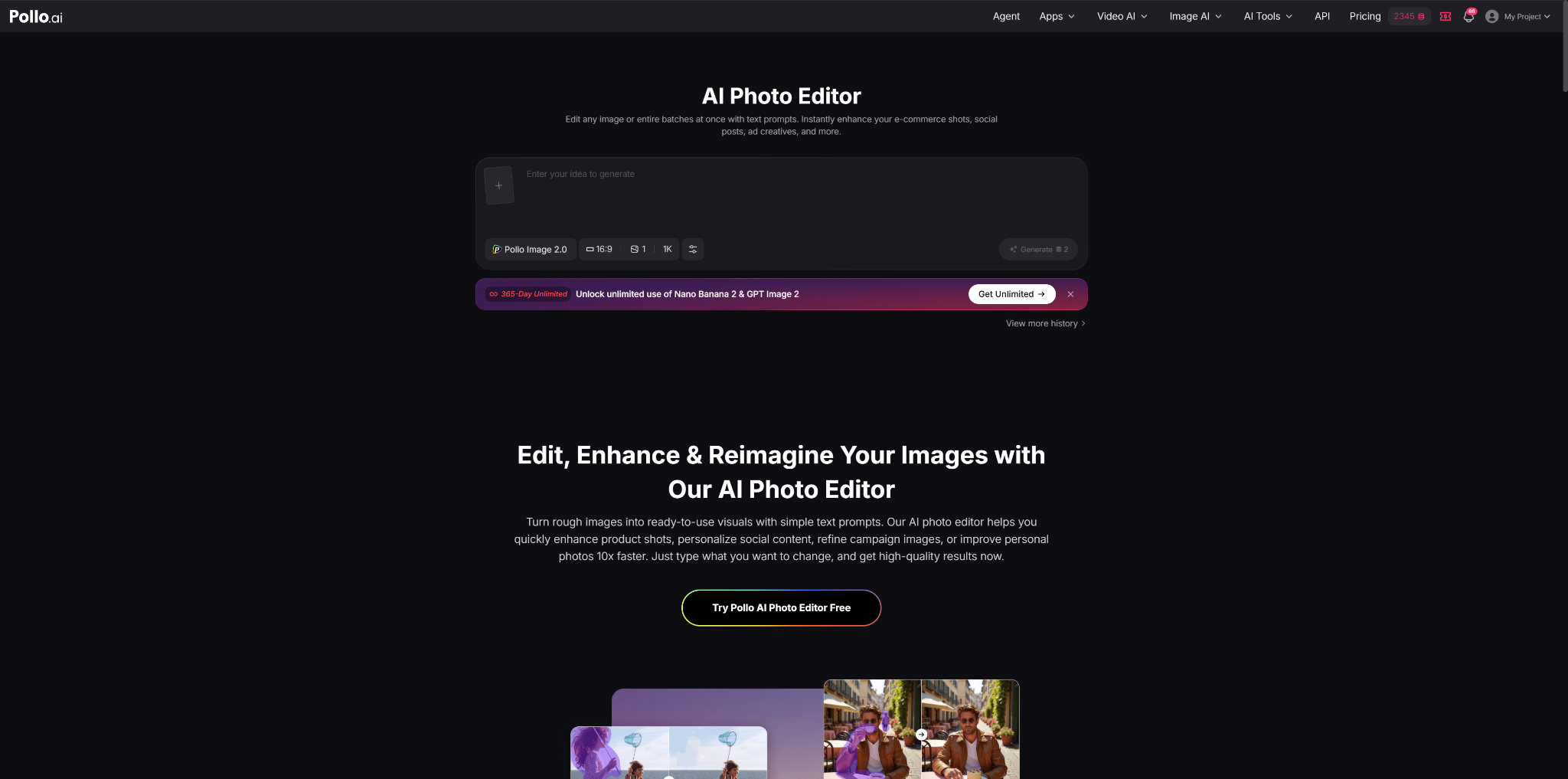
Pollo AI is a modern AI photo editor designed to edit images using text prompts, allowing users to transform visuals without complex manual adjustments. It supports single-image and batch editing, making it suitable for handling multiple assets at once. The platform focuses on enhancing e-commerce product photos, social media visuals, advertising creatives, and personal images through automated AI-driven processes. Users can input simple text instructions to modify backgrounds, improve lighting, remove distractions, or change visual styles. This makes Pollo AI a flexible tool for creators who need fast, scalable image generation and enhancement in one workspace.
Pollo AI also integrates multiple AI models, including Nano Banana 2 and GPT Image 2, which can be accessed with unlimited usage options. Its workflow is designed around speed and consistency, allowing users to apply uniform edits across entire image sets. The platform is particularly relevant for users who need to maintain brand consistency across marketing campaigns or product catalogs. It also supports batch processing, meaning dozens of images can be edited simultaneously with the same prompt-based instructions.
Why Choose Pollo AI Photo Editor
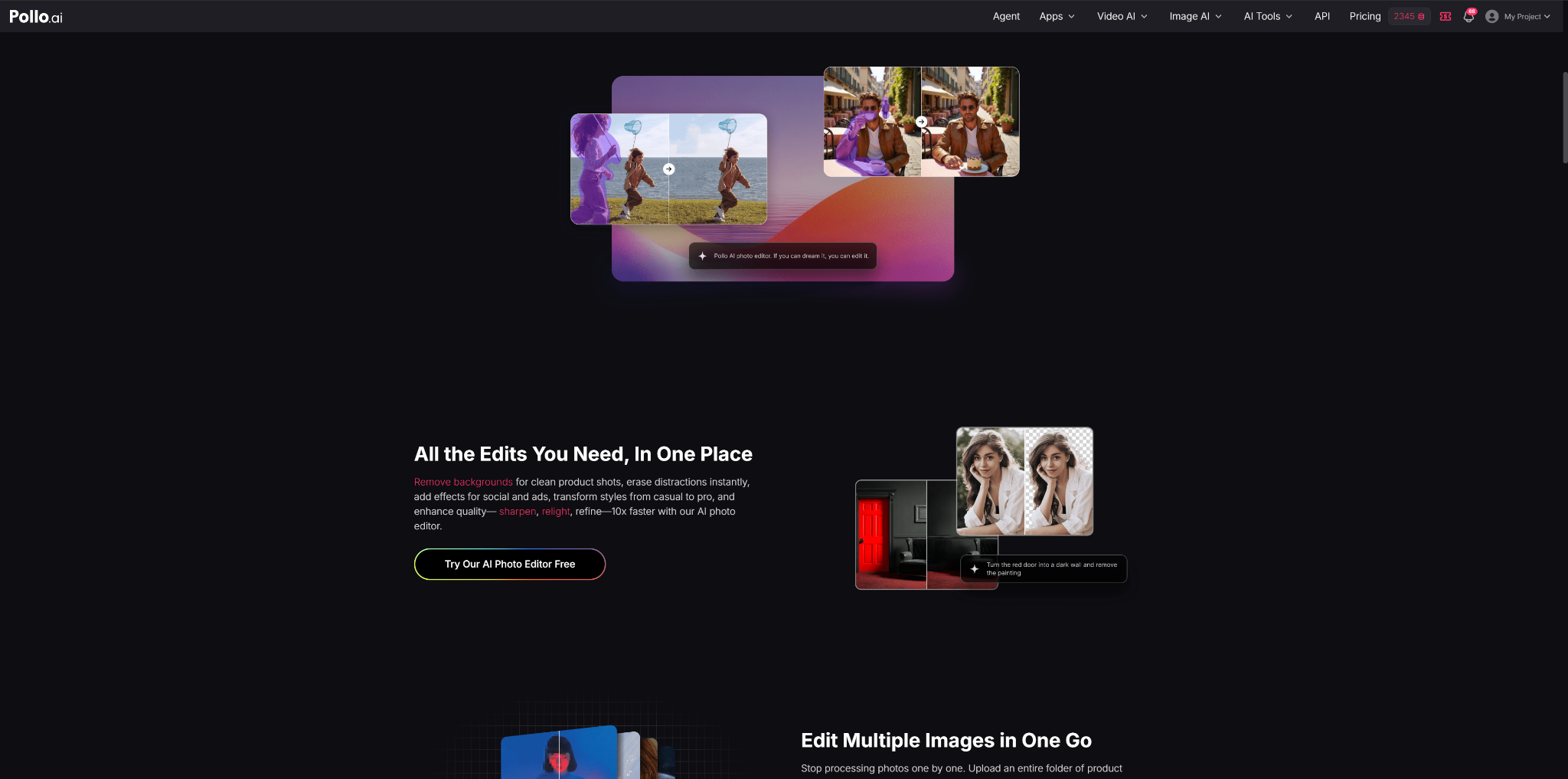
Pollo AI is often selected for its ability to streamline repetitive editing tasks through automation. One of its key advantages is batch editing, where users can upload multiple images and apply consistent enhancements such as background removal, lighting adjustments, and style transformations in a single step. This significantly reduces manual workload, especially for users managing large volumes of content. Its prompt-based system also lowers the technical barrier, allowing non-designers to perform advanced edits simply by describing what they want, similar to how an AI image generator interprets text prompts to produce or modify visuals.
The platform is commonly used by e-commerce sellers, social media creators, and marketers who need fast content production. For online stores, it helps create consistent product listings with clean visuals. For social media, it enables quick adaptation to trending styles and formats. In marketing, it supports rapid generation of campaign visuals without relying heavily on design teams. These use cases make Pollo AI a practical AI photo editor and AI image generator-style workflow tool for scalable and time-efficient image workflows.
Adobe Photoshop
Adobe Photoshop remains one of the most established tools in the AI photo editor category, widely used by professional designers, photographers, and creative agencies. It combines traditional layer-based editing with AI-powered features such as Generative Fill, object removal, and content-aware adjustments. These tools allow users to manipulate images with a high level of precision while still benefiting from automation. Photoshop is designed for users who require detailed control over every aspect of an image.
The platform supports complex workflows involving multi-layer compositions, advanced retouching, and professional-grade color correction. Its AI features are integrated into an ecosystem that has been refined over decades, making it a comprehensive solution for high-end visual production. However, its depth of functionality also means it requires more technical knowledge compared to simpler AI photo editor tools.
Why Choose Adobe Photoshop
Adobe Photoshop is typically chosen for its unmatched precision and control in professional environments. Its AI tools are designed to assist rather than replace manual editing, allowing users to refine outputs with detailed adjustments. Features like Generative Fill help accelerate creative workflows while still maintaining full control over composition and quality.
It is widely used in advertising agencies, photography studios, and digital production teams where accuracy and flexibility are critical. Photoshop is particularly effective for high-resolution image editing, commercial retouching, and complex visual compositions. For users who prioritize depth over simplicity, it remains one of the most powerful AI photo editor solutions available.
Canva
Canva is a widely used AI photo editor that focuses on simplicity and accessibility through template-based design. It offers AI features such as background removal, smart resizing, and automated design suggestions. Users can quickly create social media posts, presentations, and marketing materials without needing advanced design skills. Its drag-and-drop interface makes it suitable for beginners and non-design professionals.
The platform integrates AI tools into a broader content creation ecosystem, allowing users to combine text, images, and graphic elements in a single workspace. Canva is designed for speed and convenience, enabling users to produce visually consistent content across different formats. While it does not offer deep professional editing capabilities, it provides enough AI functionality for everyday design needs.
Why Choose Canva
Canva is often chosen for its ease of use and fast workflow. Its AI features simplify common editing tasks such as resizing images, removing backgrounds, and generating layout suggestions. This makes it particularly useful for users who need to produce content quickly without technical training.
It is widely used by small businesses, marketers, educators, and social media managers. Canva is especially effective for creating branded content, promotional graphics, and presentation materials. Its strength lies in combining AI assistance with ready-made templates, making it a practical AI photo editor for fast-paced content production.
Picsart
Picsart is a mobile-focused AI photo editor that emphasizes creative editing and visual effects. It includes AI-powered tools for background replacement, object removal, and style transformation. The platform is designed for users who prefer editing directly from smartphones or tablets, making it highly accessible for on-the-go content creation.
In addition to standard editing tools, Picsart offers a large library of filters, stickers, and AI-generated effects. These features allow users to create visually engaging content quickly. It is commonly used for social media content, personal branding, and casual design projects where creativity is prioritized over technical precision.
Why Choose Picsart
Picsart is chosen for its strong focus on creativity and mobile usability. Its AI tools allow users to transform ordinary images into stylized visuals with minimal effort. This makes it ideal for users who want expressive content without needing advanced editing skills.
It is widely used by influencers, content creators, and casual users who post regularly on platforms like Instagram and TikTok. Picsart is particularly effective for producing eye-catching visuals, trend-based edits, and personalized creative content. Its strength lies in combining AI automation with artistic flexibility in a mobile-friendly environment.
Fotor
Fotor is a lightweight AI photo editor designed for quick image enhancement and basic editing tasks. It offers AI-powered features such as one-click enhancement, portrait retouching, and background adjustment. The platform is built for users who need fast results without engaging in complex editing workflows.
Its interface is simple and structured around efficiency, allowing users to improve image quality in just a few steps. Fotor is commonly used for personal photos, e-commerce listings, and simple marketing visuals. While it does not provide advanced editing depth, it is effective for routine enhancement tasks.
Why Choose Fotor
Fotor is often chosen for its speed and simplicity. Its AI automation allows users to improve brightness, sharpness, and overall image quality instantly. This makes it useful for repetitive editing tasks where efficiency is more important than customization.
It is commonly used by small businesses, casual users, and online sellers who need quick visual improvements. Fotor is particularly effective for enhancing product images and personal photos without requiring technical expertise. As an AI photo editor, it serves as an entry-level solution for fast and straightforward image enhancement.
Conclusion
AI photo editor tools have become essential in modern digital workflows, offering different levels of automation and control depending on user needs. Pollo AI stands out for batch editing and prompt-based generation, while Adobe Photoshop remains the professional standard. Canva provides simplicity, Picsart focuses on mobile creativity, and Fotor delivers quick enhancement. Together, these tools represent the evolving landscape of AI-powered image editing across industries.
About Author