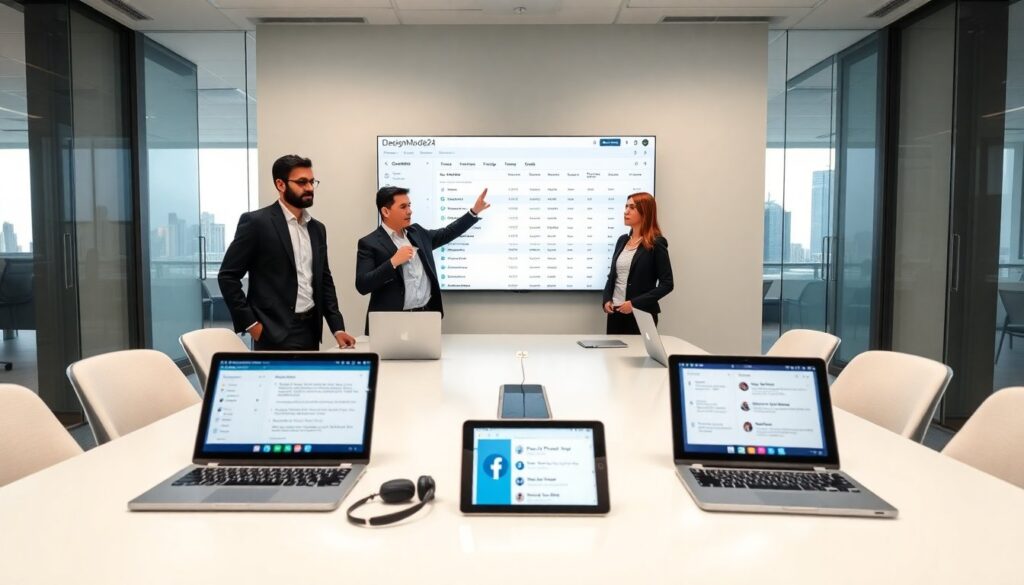
Designmode24 tools tech appears in this guide to help users and partners reach the company fast. The guide lists official channels, business contacts, and technical report paths. It shows when to use each channel and what information to include. Readers will learn clear steps to get a reply and reduce back-and-forth.
Key Takeaways
- Designmode24 contact starts with official channels like the contact form and email, where users should provide concise, clear information and attach relevant screenshots for faster support.
- Use specific subject lines and clear reproduction steps when emailing or submitting tickets to help Designmode24 staff quickly triage and resolve issues.
- For business inquiries and partnerships, including detailed company summaries and clear goals ensures efficient processing of proposals and affiliate requests.
- Technical support requests require detailed environment info, error messages, and sanitized logs to help engineers reproduce and fix bugs effectively.
- Social media and community forums are useful for general questions and updates but sensitive account details should be handled via private messages or official support tickets.
- Security disclosures must follow the designated channel with thorough details and proof-of-concept, avoiding public revelation until confirmed by the security team.
Official Contact Channels
DesignMode24 contact starts with official channels that handle general questions and account issues. The company posts a main contact form on its site. Users should fill the form with name, email, account ID, and a short issue summary. They should attach screenshots when the problem shows an error. They should avoid long stories. They should write one clear request per submission. That practice helps staff triage and respond faster.
Email, Contact Form, And Support Ticket Best Practices
When users email support, they should use a clear subject line. They should state the product name and the problem in one sentence. They should include steps to reproduce the issue and the device or browser used. They should add dates, times, and order numbers when relevant. They should keep the message concise and use bullet lines for steps. They should not send the same report from multiple addresses. That action creates duplicate tickets and slows response.
When users use the contact form, they should paste the same concise incident text into the message box. They should upload any log files or screenshots as attachments. They should choose the right category from the dropdown. The category choice routes the ticket to the correct team. When users need follow up, they should check the ticket number and reply in the same thread. That procedure preserves context and speeds resolution.
When users escalate, they should reference the ticket ID, the original date, and a one-line summary of unresolved items. They should avoid emotional language. They should state the desired outcome, such as refund, bug fix, or account change. Staff will assign priority based on impact and the information supplied.
Social Media, Messaging Apps, And Community Forums
DesignMode24 contact also happens via social channels and forums. The company posts updates on official social pages and on product channels. Users may send direct messages on social platforms for basic questions. They should not send account details in public threads. They should move the conversation to private messages or the ticket system when staff request account info.
For community help, users should post clear titles and include steps and error text. Community volunteers and moderators often answer faster on common topics. Users should search the forum before posting. Many issues already have step-by-step replies.
DesignMode24 staff monitor major messaging apps for urgent issues, but they prioritize tickets for account and billing problems. For fast service, users should open a ticket and then notify support on social channels only if the issue affects many users or is time critical.
Business Inquiries, Partnerships, And Affiliate Requests
DesignMode24 contact for business use follows a distinct path. Companies should send partnership proposals to the business inbox. They should include a short company summary, a clear partnership goal, and relevant metrics such as monthly users or projected reach. They should attach a one-page pitch deck or a link to a press kit. They should state contact names and preferred dates for a call.
Affiliates should use the affiliate form or the partner sign-up link on the corporate site. They should provide tracking details, sample creatives, and the expected start date. They should list the payment method and tax information when requested. DesignMode24 staff review affiliate requests in priority order and accept those that match current campaigns and compliance rules.
For press requests, journalists should email the press inbox and add the word “press” in the subject line. They should state the outlet, the deadline, and the questions in bullet form. They should request spokespeople by role, not by name, unless they already have a contact. The press team schedules interviews and responds with availability and media rules.
Agencies seeking integrations should include API use cases, estimated API calls per month, and data security controls. They should reference any compliance needs such as data residency or encryption. DesignMode24 staff reply with a checklist, API keys, or next-step contracts depending on the request.
Technical Support, Bug Reports, And Security Disclosures
DesignMode24 contact for technical issues requires clear technical data. Users should report bugs with reproduction steps, environment details, and exact error messages. They should include browser versions, operating systems, and app build numbers. They should attach crash logs and network traces when available. They should label the ticket with a concise severity level such as “blocking” or “minor.” Staff use that label to triage work.
For bug reports, developers should add code snippets and API calls. They should provide timestamps and sample requests that trigger the bug. They should avoid posting sensitive tokens and passwords. Developers should sanitize logs before upload. A clear minimal example helps engineers reproduce and fix the issue quickly.
For security disclosures, researchers should use the security disclosure channel and include vulnerability type, steps to reproduce, and potential impact. They should provide proof-of-concept details and suggested fixes if available. They should not publish the issue publicly before staff confirm receipt. The security team acknowledges reports with a ticket number and an expected response window. They follow standard disclosure practices and may offer a bug bounty if the issue meets the program rules.
When a report affects many users, staff may post a status update on the system status page and on social channels. They will advise on workarounds and timelines. Users should follow status messages for progress updates and next steps.
About Author